
ABSecureScreen — Protecting Sensitive iOS App Content from Capture
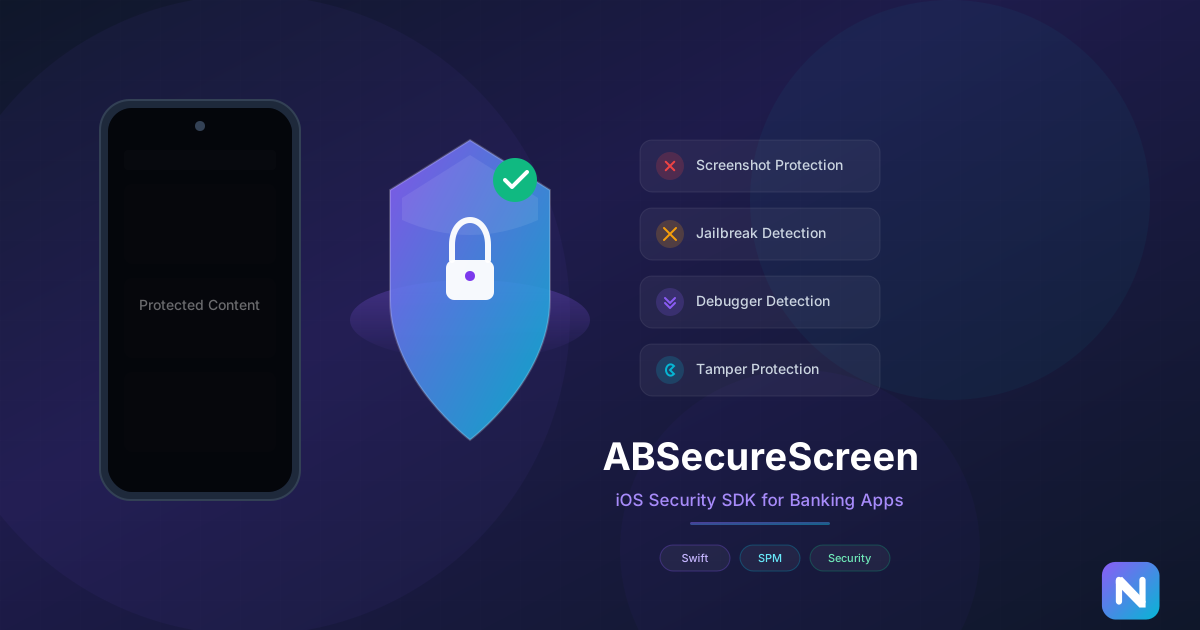
If you have ever worked on a banking app, a fintech product, or anything that displays sensitive user data, you know the question comes up fast: how do we prevent users from screenshotting or screen-recording this content?
That is exactly why we built ABSecureScreen — an open-source iOS security SDK that makes it trivial to protect your app’s sensitive screens from unauthorized capture. It is already used in production across multiple banking applications, and today we are sharing the story behind it.
The Problem
iOS does not offer a built-in, straightforward API for preventing screenshots of arbitrary views. Apple provides isSecureTextEntry on UITextField, which makes the field content invisible in screenshots and recordings — but that only works for text fields.
For banking apps, the requirements go further. You need to protect entire screens, detect if the device is jailbroken, check for attached debuggers, and monitor for app tampering. Each of these is a separate challenge, and implementing them correctly requires deep knowledge of iOS internals.
We kept seeing the same patterns across projects, so we packaged it all into a single, well-tested SDK.
What ABSecureScreen Does
The SDK provides five core capabilities:
-
Screenshot and Recording Protection. When active, any screenshot or screen recording of your app renders as a black screen. The protection uses a clever technique involving
CALayermanipulation combined withUITextField.isSecureTextEntryto ensure captured content is blank while the on-screen display remains perfectly normal for the user. -
Jailbreak Detection. The SDK checks for common jailbreak indicators — specific file paths, writable system directories, and the ability to open known jailbreak URLs. This helps you decide whether to restrict functionality on compromised devices.
-
Debugger Detection. If someone attaches a debugger to your running app (a common reverse-engineering technique), ABSecureScreen can detect it and notify your app immediately.
-
App Tampering Detection. The SDK verifies that your app binary has not been modified after distribution, protecting against repackaged or patched versions.
-
App State Monitoring. Track when your app moves to the background or foreground, which is useful for triggering additional security measures like requiring re-authentication.
How It Works
The screenshot protection is the most interesting part technically. iOS renders secure text fields as blank in screenshots and recordings — this is how Apple protects password fields. ABSecureScreen leverages this behavior by placing a secure UITextField layer over your content. The layer is invisible during normal use but activates during capture, making the entire protected area render as black.
Here is how you set it up in SwiftUI:
import ABSecureScreen

struct BankingView: View {
    @StateObject private var secureScreen = ABSecureScreenManager()

    var body: some View {
        SecureView {
            // Your sensitive content here
            AccountBalanceView()
        }
        .onAppear {
            let config = ABSecureScreenConfiguration(
                enableScreenshotPrevention: true,
                enableScreenRecordingDetection: true,
                enableJailbreakDetection: true,
                enableDebuggerDetection: true
            )
            secureScreen.configure(with: config)
            secureScreen.startMonitoring()
        }
    }
}
For UIKit, the integration is equally straightforward — you configure the SDK in your view controller and assign a delegate to receive security event callbacks.
Why Open Source
We debated whether to keep this proprietary. Security SDKs are often closed-source, and there is an argument that exposing the implementation makes it easier to bypass. But we believe the opposite: open-source security code gets more eyes on it, more testing, and more trust from the developers who integrate it.
The techniques used in ABSecureScreen are not secret — they rely on well-known iOS behaviors. What the SDK provides is a clean, tested, production-ready implementation that saves teams weeks of work.
Production Usage
ABSecureScreen is currently used in multiple banking and fintech applications in production. The SDK is lightweight (no external dependencies), has a simple API surface, and supports both SwiftUI and UIKit. It requires iOS 13.0 or later and is distributed as a Swift Package.
Getting Started
Install via Swift Package Manager:
https://github.com/mariopek/ABSecureScreenAdd it to your Xcode project through File → Add Package Dependencies, or include it directly in your Package.swift.
The SDK is fully documented with inline code comments and a comprehensive README. If you are building an app that handles sensitive data, give it a look — it might save you more time than you expect.
We welcome contributions, bug reports, and feature requests on GitHub. If you are using ABSecureScreen in your project, we would love to hear about it.
Share this post
Comments
Leave a comment
James Walker
iOS EngineeriOS engineer at NativeFirst. SwiftUI enthusiast, open-source contributor, and performance optimization nerd.