
ABNetworking — A Modern, Production-Ready Networking Layer for iOS
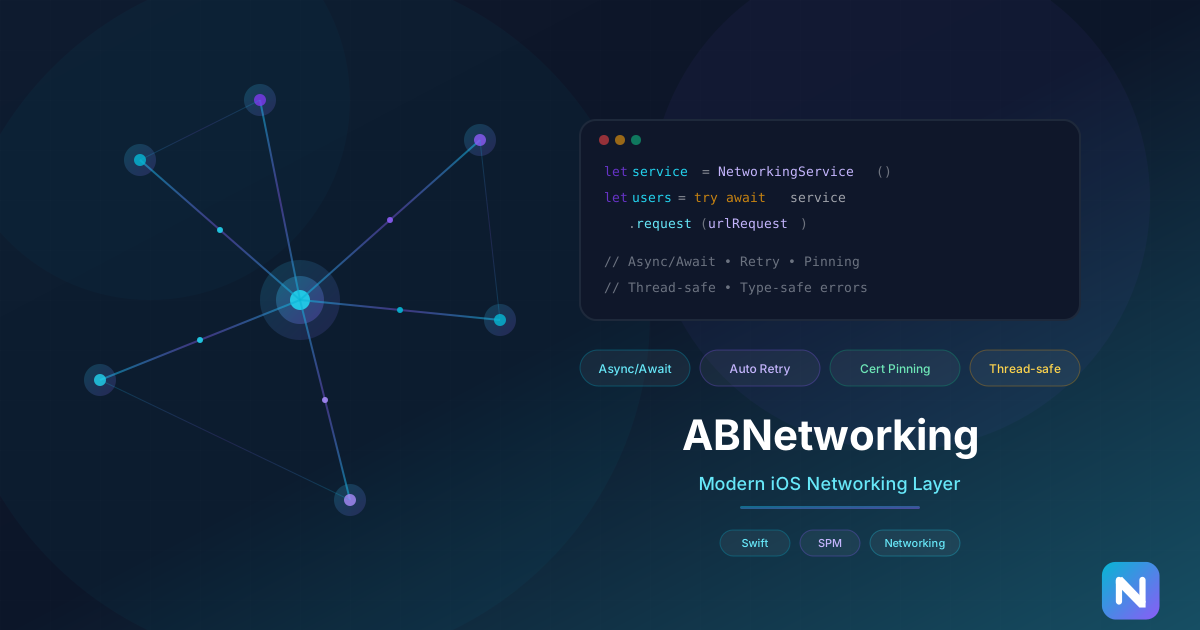
Every iOS app needs a networking layer. And every team ends up building one from scratch, wrapping URLSession in slightly different ways, handling errors inconsistently, and bolting on retry logic as an afterthought. We got tired of rebuilding the same thing, so we built ABNetworking — a modern, thread-safe networking layer for iOS that we now use across all our projects and have open-sourced for the community.
ABNetworking is already running in production in multiple banking applications, handling thousands of API calls daily. Today we want to walk through what it does and why we built it the way we did.
The Design Goals
When we sat down to build ABNetworking, we had a few non-negotiable requirements:
-
Async/await first. We wanted a networking layer that embraced Swift concurrency from the ground up, not one that bolted
asyncwrappers onto callback-based code. -
Automatic retry with exponential backoff. Network requests fail. Cellular connections drop. Servers return 503. A good networking layer handles transient failures gracefully without the caller needing to think about it.
-
Certificate pinning built in. For banking and fintech apps, certificate pinning is not optional. We needed it as a first-class feature, not an afterthought.
-
Thread safety guaranteed. No more wondering whether a callback fires on the main thread. ABNetworking ensures UI-related completions happen on the main thread, and internal state is always protected.
-
Comprehensive, typed errors. No more guessing what went wrong. Every failure is represented by a specific, typed error that tells you exactly what happened.
Core Architecture
ABNetworking is built around a few key components:
NetworkingService is the primary class your app interacts with. It handles request execution, retry logic, cancellation, and error mapping. You create one instance and use it throughout your app.
HTTPClient is a protocol that abstracts the actual HTTP transport. The default implementation wraps URLSession, but the protocol-oriented design means you can swap it for a mock in tests without touching your networking code.
PinningDelegate handles certificate pinning. You load your server’s DER-formatted certificate, pass it to the HTTP client, and ABNetworking takes care of validating the certificate chain on every request.
Logger provides configurable logging at four levels — debug, info, warning, and error. In development you see everything; in production you only see what matters.
Usage
Here is what making a request looks like with async/await:
import ABNetworking

let httpClient = URLSessionHTTPClient()
let service = NetworkingService(httpClient: httpClient)

do {
    let request = try ABURLRequestBuilder(
        baseURL: "https://api.example.com",
        path: "/users",
        method: .get
    ).build()

    let users: [User] = try await service.request(request)
    // Handle response
} catch let error as NetworkingError {
    switch error {
    case .noConnection:
        // Handle offline state
    case .serverError(let code):
        // Handle server error
    case .decodingError:
        // Handle malformed response
    default:
        break
    }
}
The callback-based API is still available for codebases that have not adopted async/await:
service.request(urlRequest) { (result: Result<[User], NetworkingError>) in
    switch result {
    case .success(let users):
        // Update UI — guaranteed main thread
    case .failure(let error):
        // Handle error
    }
}
Automatic Retry
One of the features we are most proud of is the retry system. When a request fails with a transient error (timeout, server overload, connection reset), ABNetworking automatically retries with exponential backoff. The first retry waits a short interval, the second waits longer, and so on — preventing your app from hammering a struggling server.
You configure the maximum number of retries and the backoff strategy. For most apps, the defaults work well. For banking apps where you need tighter control, everything is configurable.
The retry system is smart about which errors are retryable. A 401 Unauthorized is not retried (your token is invalid, retrying will not help). A 503 Service Unavailable is retried (the server is temporarily overloaded). A network timeout is retried. A JSON decoding error is not.
Certificate Pinning
Setting up certificate pinning takes three lines:
guard let certURL = Bundle.main.url(forResource: "server", withExtension: "der"),
      let certData = try? Data(contentsOf: certURL) else { return }

let httpClient = URLSessionHTTPClient(pinnedCertificates: [certData])
let service = NetworkingService(httpClient: httpClient)
From that point on, every request made through that service validates the server’s certificate against your pinned certificate. If validation fails, the request is rejected before any data is transmitted — protecting your users from man-in-the-middle attacks.
Testing
Because HTTPClient is a protocol, testing your networking code is straightforward. Create a mock that conforms to HTTPClient, return whatever responses you need, and test your business logic without making real network calls.
This design was intentional from the start. We have seen too many networking layers that are impossible to test because they are tightly coupled to URLSession. Protocol-oriented design solves this cleanly.
Why We Open-Sourced It
ABNetworking started as an internal tool. We built it for our own apps, refined it across multiple projects, and battle-tested it in production. But networking is a solved problem in many ways — the value is in the implementation quality, not in keeping it secret.
By open-sourcing ABNetworking, we hope to save other developers the weeks of work it takes to build a production-quality networking layer. And selfishly, open-source projects attract contributions that make the code better for everyone, including us.
Getting Started
Install via Swift Package Manager:
https://github.com/mariopek/ABNetworkingThe SDK requires iOS 12.0 or later and Swift 5.7+. It has zero external dependencies — just pure Swift built on top of URLSession.
Check out the GitHub repository for full documentation, example projects, and integration guides. If you find it useful or have suggestions, open an issue or submit a pull request. We are actively maintaining the project and welcome community contributions.
Share this post
Comments
Leave a comment
James Walker
iOS EngineeriOS engineer at NativeFirst. SwiftUI enthusiast, open-source contributor, and performance optimization nerd.