
Apple Just Turned AI Into a Settings Toggle. Your App Has No Idea Which Brain Is Driving.
Remember 2020? When Apple finally let you change your default browser on iPhone? It felt like a seismic moment. You could actually tell Safari to take a seat and let Chrome handle your links.
Everyone lost their minds. Congress was happy. Google was ecstatic. Apple made it look like they’d just invented generosity.
In practice, almost nobody changed the setting. Safari kept its throne. The browser wars on iOS turned out to be more of a browser mild disagreement.
Fast forward to May 2026, and Apple is doing the same thing again. Except this time, it’s not about which app opens your links. It’s about which AI runs your phone’s brain.
And this time? It actually matters.
What iOS 27 Extensions Actually Are
Last week, Bloomberg reported that iOS 27 will ship with a framework Apple internally calls “Extensions.” The concept is simple: users go to Settings, pick their favorite AI model, and that model powers all of Apple Intelligence.
Not just Siri. Everything.
- Siri — complex queries route to your chosen model instead of Apple’s fallback
- Writing Tools — Rewrite, Proofread, and Summarize across every text field
- Image Playground — image generation through your selected provider
You install the Gemini app from the App Store. Or the Claude app. Or ChatGPT. You enable it as an Extension. You flip a toggle in Settings. Done. Your entire phone now thinks differently.
9to5Mac confirmed that Google and Anthropic are already testing internally, and that ChatGPT — currently the only third-party AI option on iOS — will move from a special-case partnership into just another option in the menu.
One toggle. System-wide. No per-feature granularity. You pick one brain, and it handles everything.
This Is Not the ChatGPT Deal 2.0
Let me be clear about why this is different from what we have now.
In iOS 18.2, Apple cut a deal with OpenAI. Siri could punt complex questions to ChatGPT. But Apple controlled when and how that happened. You didn’t choose. You didn’t configure. ChatGPT was the emergency escape hatch that Siri triggered on its own terms.
Extensions flips that entire dynamic.
Now the user decides. Not Apple. Not the developer. The user walks into Settings and picks their default brain like they pick their wallpaper.
The key differences matter:
Before (iOS 18.2): One provider. Apple decides when to invoke it. Bilateral negotiation required to participate. Feature-specific callouts only.
After (iOS 27): Multiple providers. User picks the default. Public framework through the App Store. System-wide backend swap across Siri, Writing Tools, and Image Playground.
Apple went from “we negotiated one partnership” to shipping infrastructure where any provider that builds Extensions support can participate. That’s a platform play, not a partnership.
Two Geminis Walk Into Your Phone
Here’s the part that confused me at first. There are actually two separate Gemini integrations in iOS 27, and they do completely different things.
The invisible one: Apple signed a deal (reportedly around $1 billion per year) to use a custom Gemini model inside Private Cloud Compute. This powers Siri’s summarizer and planner components. Users never see Google branding. It’s invisible infrastructure — like how your car has Bosch sensors but you don’t think about Bosch while driving.
The visible one: Through Extensions, users can explicitly choose Gemini as their AI provider. Google’s branding shows up. Gemini gets its own Siri voice. The user knows they’re talking to Google’s model.
Both can coexist on the same device. You could have Gemini silently powering Siri’s basic functions while Claude handles your explicit AI requests through Extensions.
It’s like having two chefs in the kitchen — one prepping the ingredients behind the scenes, another cooking the dish in front of you with a name tag on.
The Developer Headache: Your App Now Has Multiple Brains
OK so here’s where it gets real for us iOS developers.
If your app uses App Intents — and by now it absolutely should — Siri interacts with your app through those intents. When a user says “use my banking app to pay the person who just messaged me,” Siri chains App Intents across apps to make it happen.
But which Siri are we talking about? The one powered by Apple’s on-device model? The one backed by Gemini’s cloud inference? The one running through Claude?
Your App Intents stay the same. That’s the good news. You define the actions, parameters, and results. The AI model interpreting the user’s request and routing it to your intents is Apple’s problem.
The quality of interpretation changes. That’s the less good news. Gemini might understand “send $50 to the guy who texted me about dinner” differently than Claude does. One might chain three intents correctly. Another might get confused by the ambiguity.
You can’t test against all of them. You can’t control which one your users pick. You ship your App Intents and hope every brain in the AI buffet can parse them correctly.
Welcome to multi-model QA. It’s the new multi-browser testing, but somehow worse.
The Privacy Line Just Moved
This part doesn’t get enough attention.
Right now, Apple Intelligence has a clear privacy story. On-device processing for simple tasks. Private Cloud Compute — with cryptographic verification, ephemeral processing, no data retention — for complex ones. It’s a compelling pitch, and Apple markets the hell out of it.
The moment a user selects Gemini or Claude as their Extension, that privacy guarantee evaporates for routed requests.
Your data leaves Apple’s ecosystem entirely. It goes to Google’s servers. Or Anthropic’s. Whatever privacy policy that provider has, that’s what applies now. Not Apple’s.
Apple reportedly plans to disclaim responsibility for third-party outputs. If Claude gives bad advice or Gemini hallucinates facts, the model’s developer owns the liability. Not Apple.
How clearly Apple will surface this privacy handoff in Settings is still unknown. But as a developer, you should be thinking about whether your App Intents expose sensitive user data through Siri — because that data might now travel to servers you didn’t plan for.
Why Apple Is Doing This (It’s Not Generosity)
Apple rarely makes platform-level openness moves out of the goodness of their corporate heart. There are at least three strategic reasons:
The EU made them. The Digital Markets Act pushes Apple toward platform-level openness. Letting users choose their AI model is the same playbook as letting them choose their default browser — preemptive compliance that Apple can spin as innovation.
Hedging against their own models. Apple’s foundation models are competitive but not frontier-class. If Gemini or Claude pulls ahead significantly, Apple doesn’t want to be the company holding users back. Extensions lets users upgrade without Apple bearing the criticism for falling behind.
Distribution is the new moat. Apple doesn’t need to win the model race. They need to control the routing surface. Being the platform that decides which AI gets access to a billion devices is more valuable than being any single model. Apple becomes the AI switchboard operator, taking a cut of every call.
It’s the App Store model applied to intelligence itself. And we’ve seen how that movie plays out.
30 Days: What to Do Before June 8
WWDC 2026 kicks off June 8. The iOS 27 developer beta will drop the same day. Here’s what you should be doing right now:
1. Audit your App Intents. If you haven’t implemented them yet, you’re already behind. We’ve written the full guide. The new Siri — whichever brain is powering it — can only interact with apps that speak App Intents. No intents, no integration. Period.
2. Make your intents unambiguous. When three different AI models might interpret your intents, clarity wins. Use specific parameter names. Provide comprehensive IntentDescription and ParameterSummary values. The more context you bake into the intent definition, the better every model will parse it.
3. Review your privacy surface. Which of your App Intents handle sensitive data? User finances? Health information? Location? That data now potentially routes through third-party AI infrastructure depending on the user’s Extension choice. Make sure you’re comfortable with that, or add on-device processing constraints where you can.
4. Watch the WWDC sessions. Apple will almost certainly run developer sessions on Extensions. How the SDK actually works — structured contracts vs. freeform pipes, privacy APIs for declaring on-device vs. cloud routing — is still unknown. The keynote will give us the marketing pitch. The sessions will give us the engineering reality.
5. Test with multiple AI providers. Once the beta drops, install every available Extension and test your App Intents against each one. What works with Gemini might fail with Claude. Document the inconsistencies. File Radars. This is year one — Apple needs the feedback.
We covered the broader WWDC 2026 developer landscape — foldable iPhone APIs, Core AI replacing Core ML, macOS touch support — in our previous deep dive. Extensions is the latest piece of a very big puzzle.
The Prompt Problem Nobody Is Talking About
Here’s a subtlety that’s been bugging me.
Different AI models respond to prompts differently. The way you phrase a request to Claude produces different results than the same request phrased to Gemini. Any developer who’s worked with multiple LLMs knows this. Prompt engineering isn’t universal — it’s model-specific.
Now extend that to every user on iOS 27.
When someone asks Siri to “summarize this article,” the quality of that summary depends on which Extension they’ve selected. When they use Writing Tools to “rewrite this email professionally,” the definition of “professional” varies by model. When Image Playground generates an image, the art style changes depending on the backend.
As a developer, you have zero control over which model your users have selected. Your app’s AI-adjacent features — the ones powered by Apple Intelligence — will behave differently for different users, based on a Settings toggle you can’t see.
If you’re building tools that help people manage their AI workflow across multiple models, this is exactly the kind of fragmentation that makes a good prompt library essential. That’s part of why we built PromptKit — having well-structured, reusable prompts matters even more when the model behind the scenes could be anything.
The AI Browser Wars Are Here
Let me tie this back to where we started.
When Apple opened default browser selection, it was mostly symbolic. Safari had too much momentum, the switching cost was low but the motivation was lower, and most users shrugged.
The AI Extensions play is different. Here, the models actually produce noticeably different results. Claude writes differently than Gemini writes differently than ChatGPT. Users will have opinions. They’ll have preferences. They’ll switch. Reddit threads will be written. YouTube comparisons will be filmed. TikToks will be made.
This isn’t a mild disagreement. This is a real war for the default brain of a billion iPhones.
And the battleground isn’t some abstract cloud benchmark. It’s inside your user’s Settings app, one toggle below the wallpaper picker. The most consequential technology choice of the decade, sandwiched between “Display & Brightness” and “Sounds & Haptics.”
Apple built the arena. The models will fight. Your app is in the audience, hoping the winner can still understand its App Intents.
Get your intents in order. June 8 is 30 days away.
Preparing your iOS app for the multi-model future? Our SwiftUI at Scale course covers how to build apps with clean architectures that stay resilient regardless of which AI brain is running the show — because the one thing you can control is how well your code is structured.
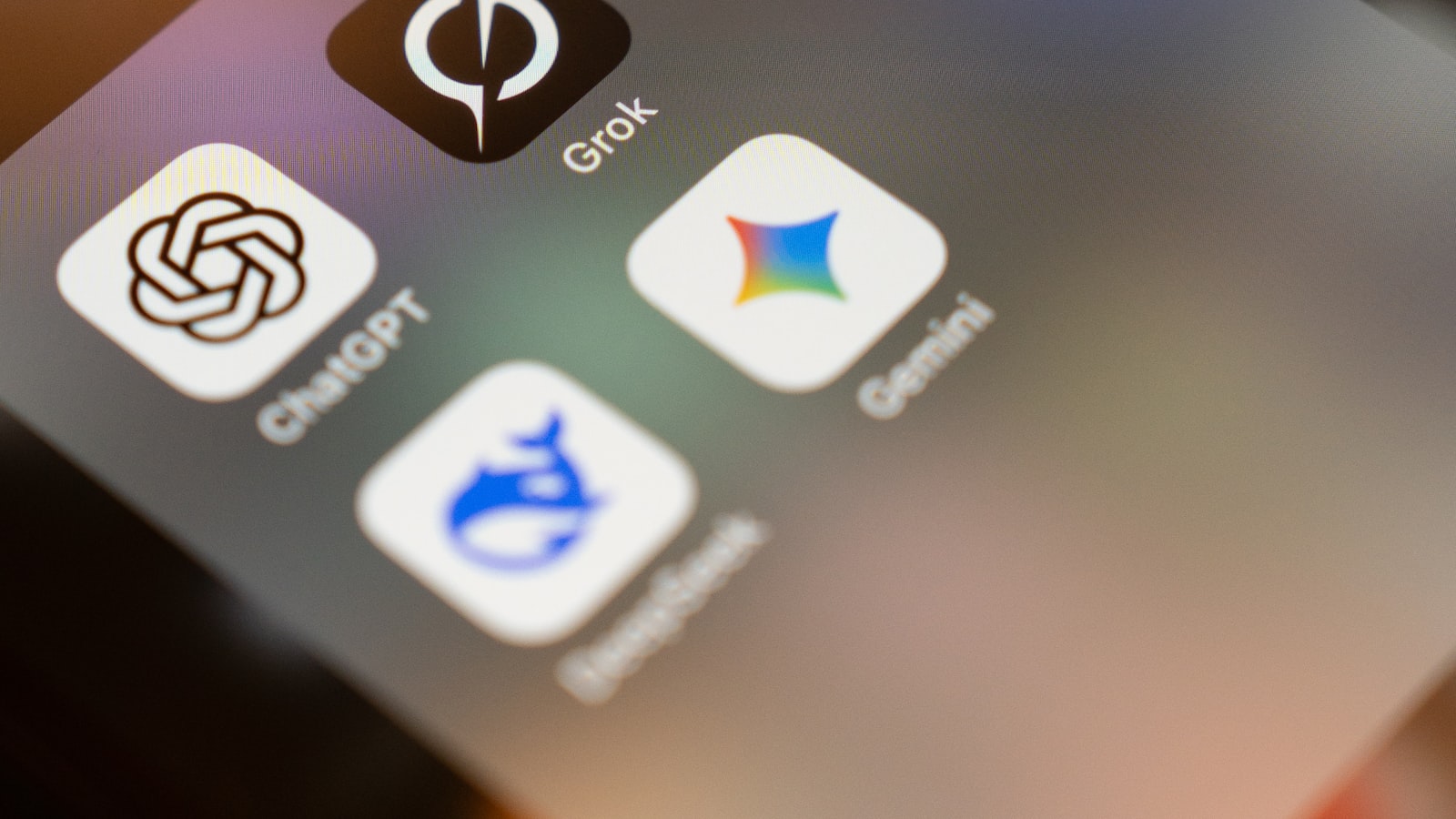
Photo by Salvador Rios on Unsplash.
Share this post
Comments
Leave a comment
NativeFirst Team
EditorialThe NativeFirst team — engineers and designers building native Apple apps and writing the courses we wish we had when we started.