
App Intents Are the New SEO — and Most iOS Developers Are Still Invisible
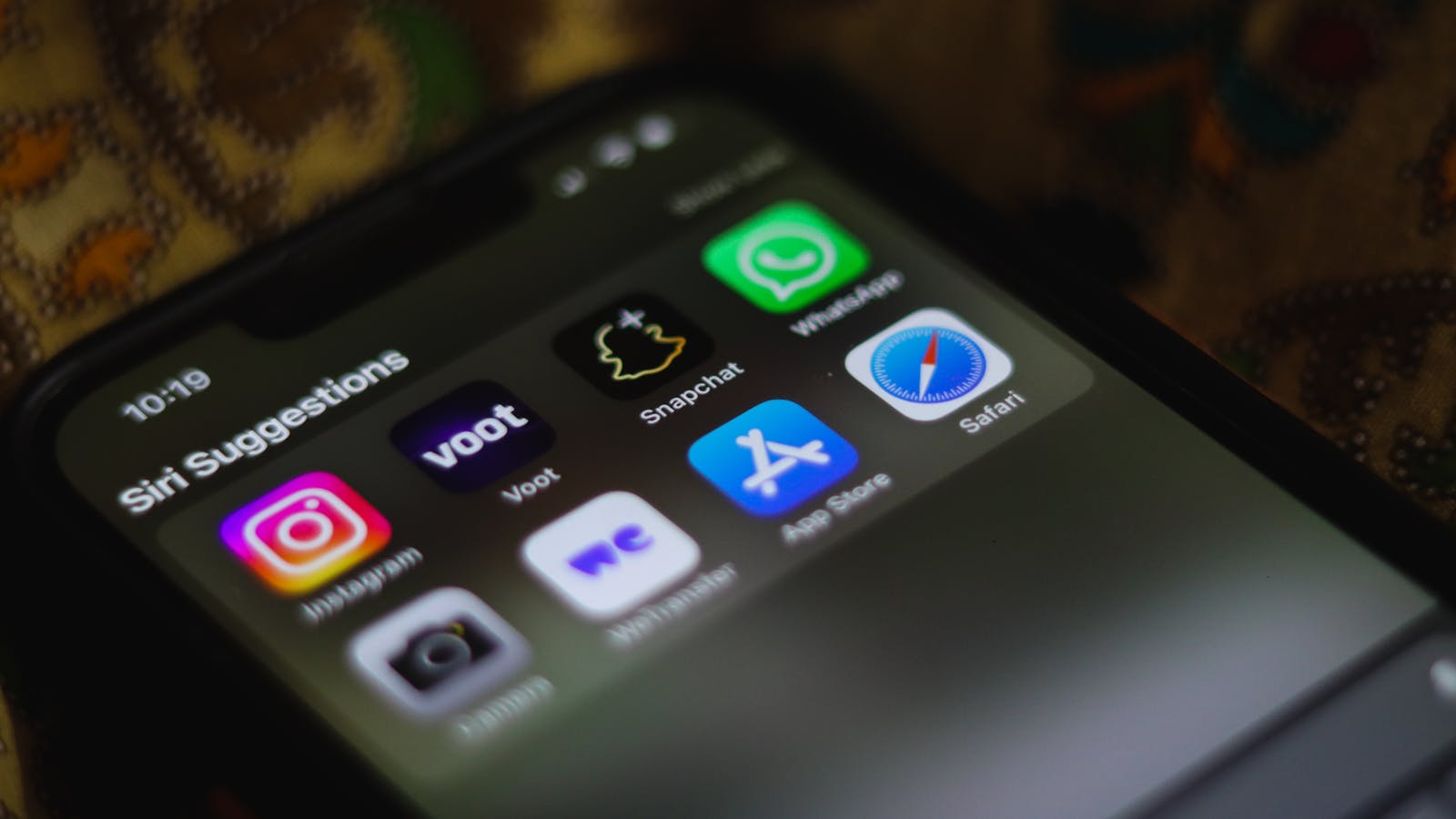
Imagine opening the best restaurant in town. You’ve got a Michelin-worthy chef, a gorgeous dining room, a wine list that makes sommeliers weep. There’s just one tiny problem: you forgot to put up a sign. You’re not on Google Maps. Your phone number isn’t listed anywhere. And the entrance? It’s behind a dumpster in a back alley.
That’s your iOS app right now. To Siri.
While you’ve been polishing your SwiftUI animations and obsessing over that onboarding flow, Apple has been quietly turning Siri into the front door of every iPhone. And if your app doesn’t speak Siri’s language — a framework called App Intents — you’re the restaurant nobody can find.
The Shift You Probably Missed
Here’s what happened while everyone was arguing about vibe coding on Reddit.
Apple spent a billion dollars a year to give Siri actual intelligence. The Gemini deal. The Foundation Models API. The open platform that lets users pick their AI assistant. All of it points in one direction: Siri is becoming the primary way users interact with their phones.
Not the home screen. Not the App Store. Not Spotlight.
Siri.
Reports suggest iOS 27 — expected at WWDC 2026 on June 8 — will push this even further. Cross-app intent chaining. Proactive suggestions. Third-party AI assistants invoking your app’s functionality. The entire interaction model is shifting from “user taps an icon” to “user asks an AI.”
If your app can’t answer when Siri asks, you’re invisible.
SiriKit Is Dead. Long Live App Intents.
“But I already have SiriKit intents!” Sure. That’s like saying you have a MySpace page in 2026.
The old INIntent system still works. Technically. But Apple has made it very clear where the future lives: the App Intents framework. And the differences aren’t cosmetic.
SiriKit required an Intents Extension — a separate target, separate process, separate debugging headache. It supported a fixed list of domains (messaging, ride booking, payments) and nothing else. You were building inside Apple’s box.
App Intents live directly in your app code. No extension. No separate target. Just Swift structs conforming to protocols. And you can define anything — custom actions, custom entities, custom queries. Your app, your domain, your rules.
Here’s the kicker: App Intents don’t just talk to Siri. They power Shortcuts, Spotlight search, the Action Button, Focus filters, Control Center, and — with Apple Intelligence — the AI system itself.
SiriKit talked to one assistant. App Intents talk to the entire operating system.
The Five-Minute Integration (Yes, Really)
Here’s what nobody tells you about App Intents: they’re embarrassingly simple to add. I mean, suspiciously simple. Like Apple actually cared about developer experience for once.
Say you have a note-taking app. Here’s a basic intent that creates a new note:
import AppIntents

struct CreateNoteIntent: AppIntent {
    static var title: LocalizedStringResource = "Create Note"
    static var description: IntentDescription =
        "Creates a new note with the given title and content"

    @Parameter(title: "Title")
    var noteTitle: String

    @Parameter(title: "Content")
    var content: String

    func perform() async throws -> some IntentResult & ReturnsValue<String> {
        let note = NoteService.shared.createNote(
            title: noteTitle,
            content: content
        )
        return .result(value: "Created note: \(note.title)")
    }
}
Fifteen lines. That’s it. Your app is now visible to Siri, Shortcuts, and Spotlight. Users can say “Create a note in MyApp called Shopping List” and it works.
Want it to show up in Shortcuts automatically? Add a ShortcutsProvider:
struct MyAppShortcuts: AppShortcutsProvider {
    static var appShortcuts: [AppShortcut] {
        [AppShortcut(
            intent: CreateNoteIntent(),
            phrases: [
                "Create a note in \(.applicationName)",
                "New \(.applicationName) note",
                "Write something in \(.applicationName)"
            ],
            shortTitle: "Create Note",
            systemImageName: "note.text"
        )]
    }
}
Two Swift structs. No entitlements. No server configuration. No App Store review drama.
If you spent more time reading this section than it would take to implement it, that’s kind of the point.
The Three Intents Every App Needs
You don’t need to expose your entire app to Siri on day one. Start with three intents that cover 80% of what users would ask for:
1. The Core Action. Whatever your app’s primary verb is. Task manager? “Create Task.” Workout app? “Start Workout.” Journal? “Write Entry.” One intent, one action, one reason someone opens your app. For ApplyIQ, that’s “Log a job application” — one phrase, and the whole manual-entry flow becomes a voice command.
2. The Quick Lookup. Users want to ask Siri questions about their data. “How many tasks do I have today?” “What was my last workout?” “Show me today’s entries.” Add an AppEntity with an EntityQuery and your app’s data becomes accessible through natural language.
3. The Widget Intent. If you have widgets (you should), power them with App Intents instead of the old IntentConfiguration. This connects your widget to the same system that powers Siri and Shortcuts. One source of truth. One set of parameters.
Ship these three. Then iterate.
Why This Is Actually SEO
Think about how web search worked in 2005. You could have the best website on the internet, but if Google couldn’t find it, it didn’t exist. So the entire industry learned SEO — structured data, meta descriptions, sitemaps, schema markup. Not because it made websites better. Because it made them findable.
App Intents are the same thing for the AI era.
When Apple Intelligence processes a user’s request, it doesn’t look at your marketing copy or your App Store description. It looks at your App Intents. The titles. The descriptions. The parameter types. The entity attributes. The shortcut phrases.
A well-described intent with rich metadata can be discovered by Siri even when the user doesn’t mention your app by name. “Help me track my renovation budget” could surface Renovise — if the intents are well-defined and the phrases are natural.
Just like SEO, the developers who figure this out first will dominate. The ones who don’t will wonder why their download numbers keep dropping despite having a “better” app.
WWDC 2026 Is One Month Away
WWDC kicks off June 8. Based on everything we know about Apple’s AI strategy, App Intents are about to get significantly more powerful.
The rumors point to cross-app intent chaining — Siri orchestrating workflows across multiple apps. “Book a restaurant, add it to my calendar, and text the address to Sarah.” Three apps. One command. Your intent is one link in that chain… or your app gets skipped entirely.
If you ship App Intents before WWDC, you’ll be ready to adopt whatever Apple announces on day one. If you wait until after, you’ll be scrambling while your competitors are already live.
We covered the developer implications of Apple’s Siri open platform in detail — including how third-party AI assistants like Claude and Gemini will be able to invoke your app’s intents. The apps that are already exposing their functionality through App Intents will get this cross-assistant discoverability for free.
”Nobody Uses Siri” (Famous Last Words)
I know. I can hear you. “My users open the app directly. Nobody uses Siri for anything except setting timers.”
And right now? You’re partially right. Siri’s track record has been… underwhelming.
But Apple didn’t write Google a billion-dollar check to keep Siri as a timer-setting novelty. They’re betting the entire interaction model of iOS on AI assistants. The Xcode AI agent understands App Intents natively. The Foundation Models framework runs on-device. The keynote next month will almost certainly center on AI integration.
The window to get ahead of this is closing. Not because the APIs will change dramatically, but because the first apps to be discoverable through the new Siri will build user habits. And habits are the hardest thing to break in consumer software.
Start Today. Ship Tomorrow.
Here’s your action plan:
- Pick your core action. The single most important thing users do in your app. Build one
AppIntentfor it. Fifteen lines of Swift. - Add an
AppShortcutsProviderwith 3-5 natural-language phrases. Think about how a human would ask for it, not how a developer would name it. - Test it with Siri. On a real device. Say the phrases. See what happens. Iterate.
- Ship it. Don’t wait for perfection. One working App Intent puts you ahead of 90% of the App Store.
- Add entities and queries in your next sprint. Make your app’s data searchable.
If you want to go deeper, our SwiftUI at Scale course has an entire lesson on App Intents architecture — including how to structure intents for complex apps with shared data models and multi-feature workflows.
The App Store has 1.8 million apps. Getting discovered has always been hard. But the discovery mechanism is shifting — from browsing and searching to asking. And when users start asking Siri instead of scrolling, the apps that can answer will win.
App Intents aren’t a feature. They’re a survival strategy.
Your restaurant might serve the best food in town. But if Siri doesn’t know you exist, the table stays empty.
Building for the AI era means more than just adding intents — it means rethinking how your entire app surfaces its value. Our SwiftUI at Scale course covers App Intents, Widgets, Live Activities, and everything else you need to build iOS apps that thrive when AI is the front door.
Share this post
Comments
Leave a comment
NativeFirst Team
EditorialThe NativeFirst team — engineers and designers building native Apple apps and writing the courses we wish we had when we started.